What to Do This Week, in Order
This is the short chapter. Thirteen chapters of reasons, and now one week of doing. Every item below fits in a day around your real work, and every item points back to the chapter that explains it. So if you skipped straight here, you can still start Monday and read the why later.
The order matters more than any single item. You count before you fix, so you can tell whether the fix did anything, and you use up the free fixes before you pay for anything. Anything automated gets your sign-off and a trial run on a few people before it touches everyone. A postcard campaign I ran this summer followed that order, and it's the model for the whole week.
"Once I had approved on that, then it was allowed to actually send, but not until that moment. So then we tested it with a small batch of 20 to 30 postcards, or like 30 postcards, I think, and once I knew that it worked end to end, then I sent out the next 100 batch."
Approve the card, then mail a small batch
The campaign was simple to describe and fussy to run. Software went through Google reviews looking for businesses with bad reviews about missed calls, pulled together their mailing addresses and hooked into a postcard-mailing service. Most of it ran from my phone.
What the software couldn't do was mail anything on its own. It had to show me the finished postcard and the list of who it was going to, and then it waited. After the first small run, it set itself a reminder about a week out to check on delivery. Every card carried a QR code with a tracking link, so we could see whether any visits came from it instead of guessing.
Now it's a repeatable job. One message telling the system to go send postcards runs the same steps again, including the part where it stops and waits for me.
The same goes for anything you set up this week. Say you turn on a text reply for missed calls. Let it go out to the first ten people who call, then open your phone's sent messages and read every one. Check that none of them went to your supplier or your mom. Then let it run.
Use that shape for every item below. Do it once, small. Check that it worked. Then do the rest. And if something on the list goes badly, you find out on a Tuesday with one task at stake, instead of a month later with everything tangled together.
Monday to Wednesday with the phone you already have
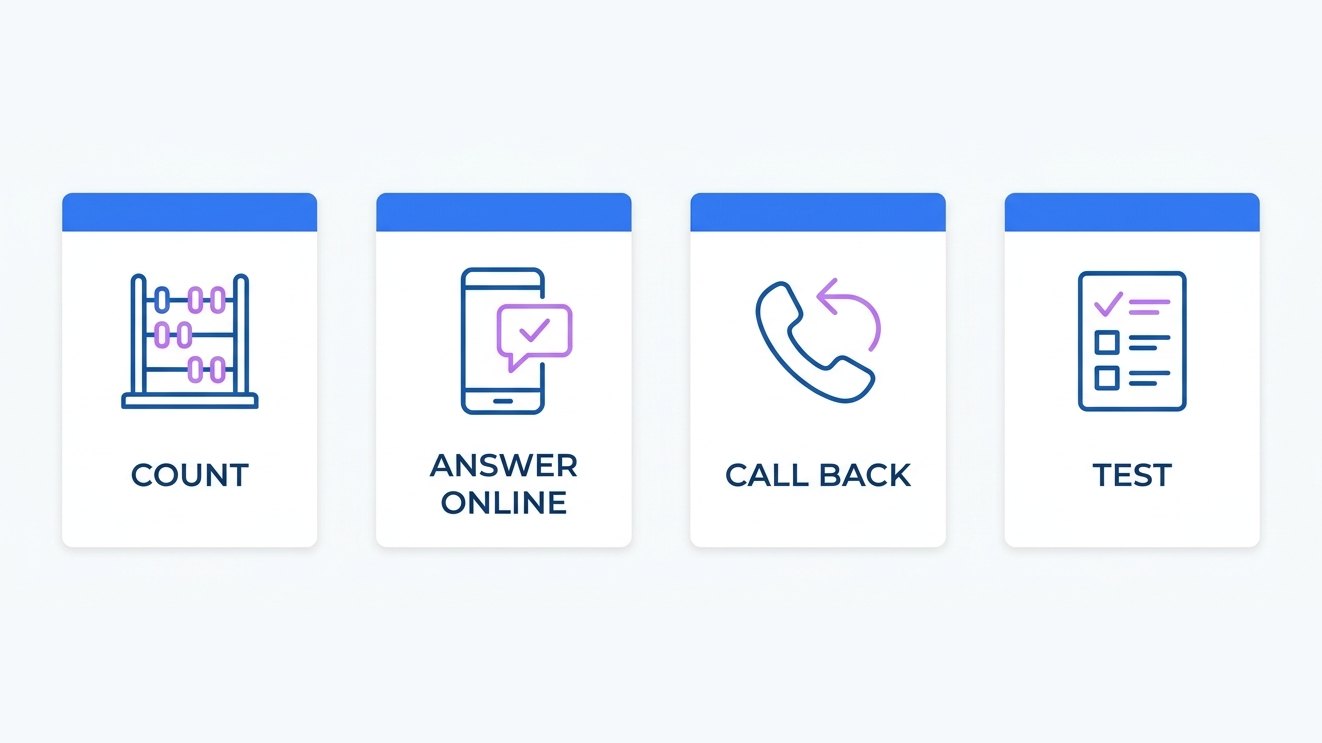
Monday: count last week's calls. Pull your carrier's call log for last week and write down four numbers: calls in, answered, missed and called back (Chapter 7). Then put a price on the missed ones with your own numbers. Say you missed 10 calls, you'd normally book about 1 in 4 of the people who call, and you have a rough average for what a job brings in. Missed calls, times how many you'd book, times that average job, is your number for the week (Chapter 1). Keep the sheet. You'll need it next Monday.
Tuesday: write down why people call. Go through last week's calls and voicemails and list every reason someone called. Most of the list will be the same few questions, asked by different people. Put the answers to the top ones, like your hours, your price ranges and how to book, on your website and your Google listing (Chapter 3). Every question you answer there is a call you don't have to take while you're on a job.
Wednesday: rerecord your voicemail and set a text reply. Record a greeting that tells callers when they'll hear back, and pick a time you can keep (Chapter 3). Set a text reply on your phone for calls you miss, and decide what an after-hours caller should hear and who, if anyone, calls them back that night (Chapter 5). Before anything goes out automatically, read the FCC's consumer guide to robocalls and robotexts and the consent rules in Chapter 12.
Thursday to Sunday, the callbacks and the mystery call
Thursday: call back the open list. Work through every missed caller who hasn't heard from you, in the order Chapter 4 lays out, and send a text before you call so your number doesn't show up as a stranger. For every call that changed a booking, check that the change made it onto the order itself, and don't just trust that somebody wrote it down (Chapter 6).
Friday: put one repeat job on paper. Write down the hours you spent last week on work you do the same way every time (Chapter 8). Pick the one job that repeats every week and write it as steps on a single page, in plain words, the way you'd explain it to somebody new (Chapter 10). Keep it short enough that someone could follow it without calling you halfway through. While you're at it, mark the calls that stay yours no matter what, like quotes on unusual jobs and upset customers (Chapter 11).
Saturday: call your own business. At your busiest hour, borrow a phone and call your business like a customer would. Write down how many rings it took, what you heard and whether the details reached you (Chapter 13). If Saturday is a job day for you, even better, because that's the hour a real customer would hit.
Sunday: nothing. Take the day. The list will still be there.
If a day blows up, and some will, slide the whole list back a day. Don't skip ahead. Thursday's callbacks go better when Tuesday's answers are already on your website, and next Monday's count only means something if last Monday's count exists.
Next Monday, hand off one step and count again
Pull the same call log for the week you just finished and count it the same way (Chapter 7). Put it next to last Monday's sheet. Now you have your first before-and-after, and it cost you a week of paying attention and nothing else (Chapter 13). If the numbers got worse, write that down too. A worse week is still information, and it usually points at one day or one habit you can fix.
Then pick one step from Friday's page to hand off. One. A reminder text or a booking link is a good first pick. Before it goes live, write down what it may do on its own and what waits for your yes (Chapter 12). Try it on a few customers. Check that it worked from start to finish. Then turn it on for everyone and add it to your scorecard. All you have to do after that is keep counting.
Some of this week becomes a habit, and some of it you only do once. The Monday count repeats every Monday, from the same log, so a bad week shows up while it's still one week. Every day I look at my own numbers, and you don't have to go that far. The mystery call is worth repeating any time you change something about how your phone gets answered. The callback list stays with you, and it gets shorter as more calls get answered the first time.
If you decide to put a secretary on the line, the same order holds. Keep your number. Switching numbers is scary, and you don't have to do it. Set your phone to forward the calls you don't pick up, so your cell still rings first, and walk through the steps on the KaiCalls call forwarding help page. How fast the forward kicks in depends on your carrier and your settings. Then call the line yourself before a single customer does, and don't forward your real calls until it passes.
Common questions
Questions this chapter gets asked
What is the first thing to do about missed business calls?
Count them. Pull last week's call log from your phone carrier and write down calls in, answered, missed and called back. Then put a rough price on the missed ones with your own numbers: missed calls, times how many you'd book, times your average job. Every other fix in this book is easier to judge once you have that sheet, because you can count again after.
How do I forward my business calls without changing my number?
Use your carrier's call forwarding for the calls you don't answer. Your number stays the same, and callers dial it like always. Your own phone can still ring first, with the forward kicking in after, though the timing depends on your carrier and your settings. With KaiCalls, the call forwarding help page walks through the steps. Test the forward from another phone before customers start calling.
What should I test before customers start calling a new phone setup?
Test everything a caller can touch, from another phone, before you forward real calls. In a recorded Q&A I gave the whole list: "You're going to want to test the greeting, the business hours, the after hours route, the emergency handoffs, your lead capture, your notification destinations, booking behavior, and fallbacks." Call once during the day and once after hours. Fix what's wrong and call again. If Kai is the one answering, the KaiCalls AI receptionist setup guide has a test step with scenarios to try.
Should I automate everything at once?
No. Hand off one step, watch it, and add the next one only when the first is working. Write down what the step may do alone and what waits for your approval, then try it on a few customers first. Even systems that have run for a while can keep the final send with you until they've proven they do the job right, over and over.
2.4 MB PDF
Get the PDF
The whole book in one file, with the figures, to read offline or pass to someone else.
Download the PDF